I recently hit the 450 Gb on my Mac. That's 10% away from being full.
Like most Mac OS, it won't tell which folder is taking up so much space.
My disk space is usually taken up by either
I went through reddit and found this thread, which uses the same as my previous installation (DiskX)
It's called SquirelDisk (I know the name sounds funny!)
There's a couple of hoops you need to hop on MacOS. Go to Settings > Privacy to unlock the installation. After installation, you can search for it using CMD + Spacebar, 'squireldisk'. You can start your first scan.
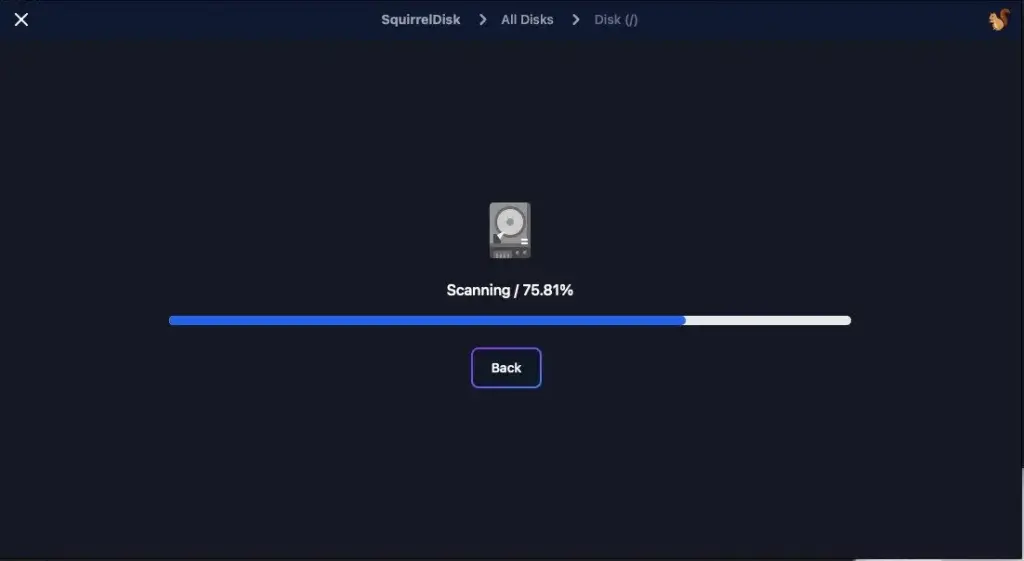
It may take a few seconds to load. Once it's done, it will show you this view
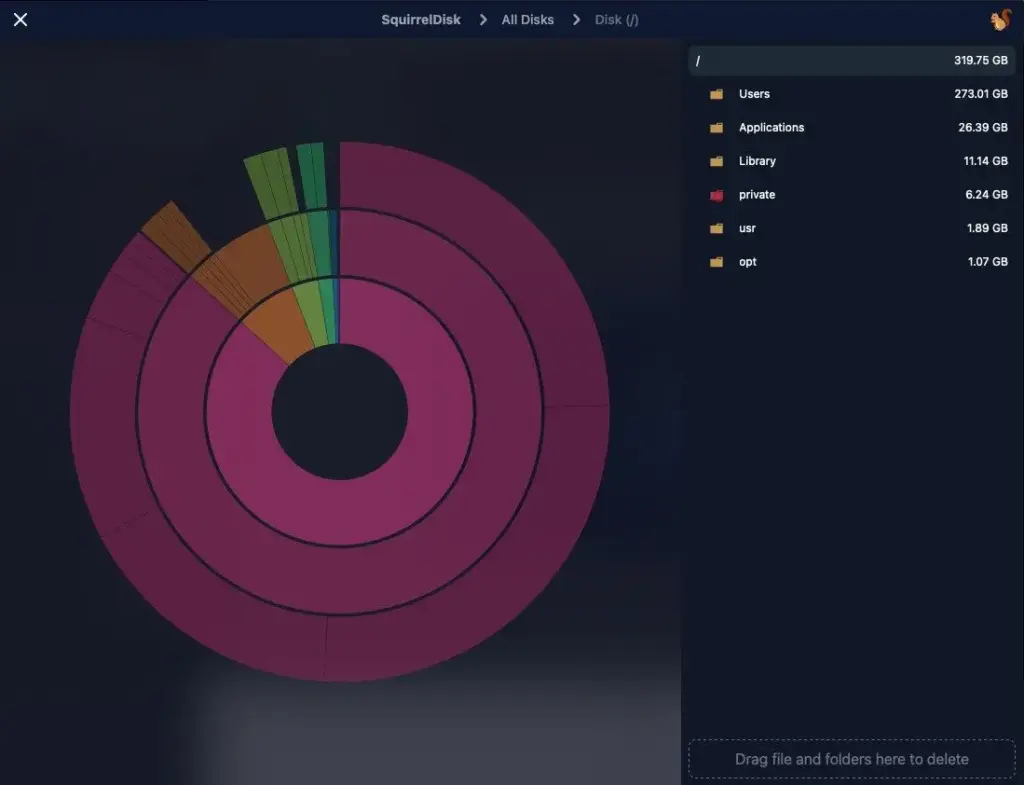
You can now navigate to the folders which consumed most of your Disk Space.
In my case, I found out GarageBand which I have never opened before. I was able to free up 1.2 GB
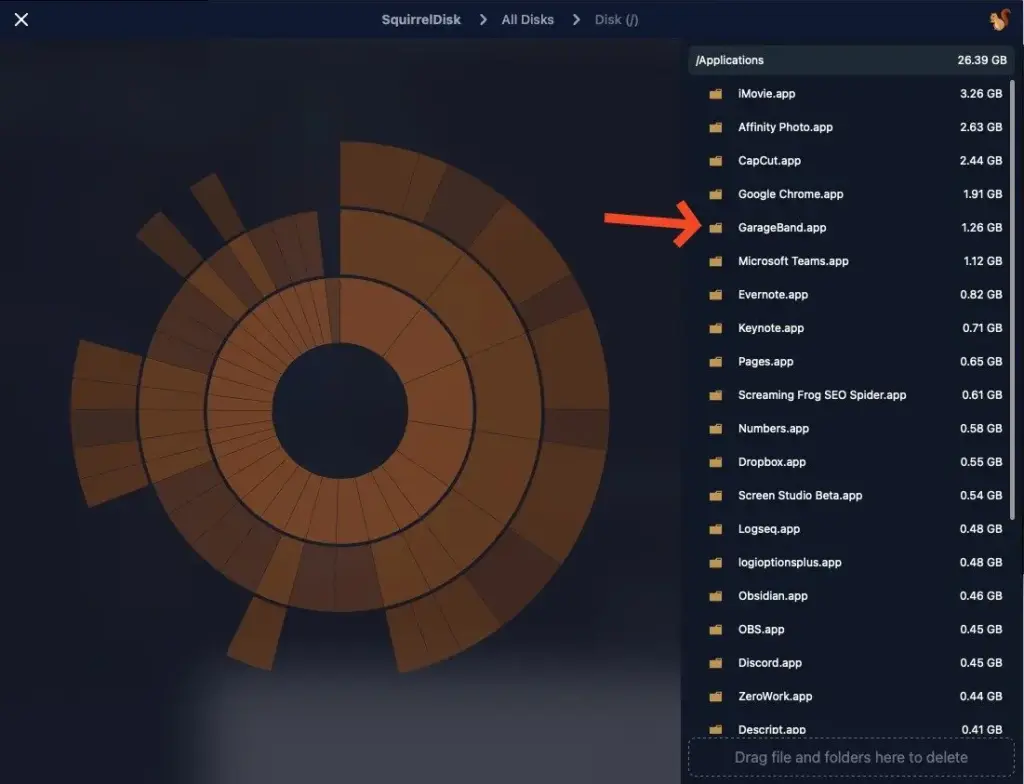
To delete, drag the folder on the right down to bottom corner right.
You can download a copy at SquirrelDisk